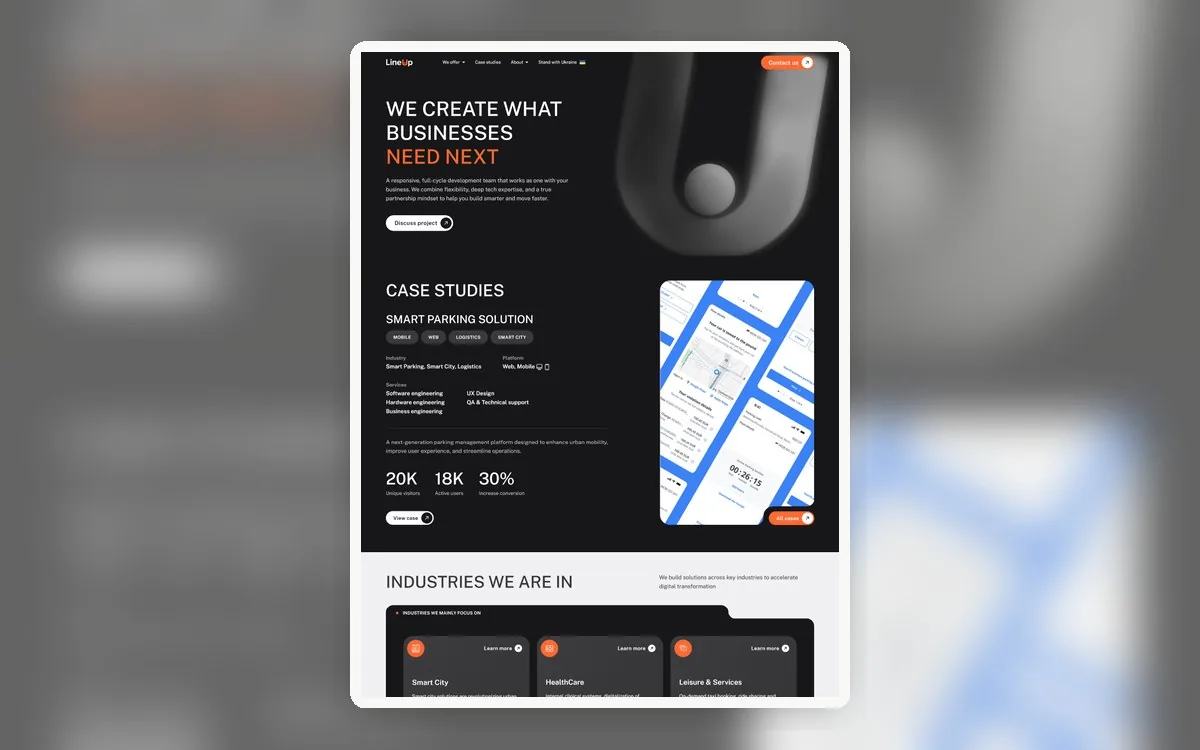
Figma to Bricks
IT company WordPress build
Built a responsive WordPress site from Figma using Bricks, custom components, and a performance-minded structure.
From Figma and ground-up WordPress architecture to full WooCommerce builds, custom business logic, migrations, performance, and difficult inherited systems. I design the solution, build it, and stay accountable for the technical outcome.
A website URL, Figma link, or rough brief is enough.

Send a website URL, Figma link, screenshots, a brief, or a rough description. I'll ask the right questions, clarify the architecture or problem, and suggest a clear next step before any work begins.
5 out of 5 stars"Working with Eugene was a great experience. He delivered my website quickly and professionally, and made the entire process seamless from start to finish."
A URL, screenshot, or rough description is enough.
I'll identify the issue or approach and explain the next step.
We agree on scope and priorities before changes begin.
Choose the area closest to your situation, or send the site as it is. You do not need to diagnose the problem before contacting me.
Custom themes, Bricks, Elementor, ACF/CPT, REST APIs, PHP/JavaScript, custom plugins, and scalable site architecture.
02Squarespace, Wix, Drupal, Joomla, and old CMS rebuilds with content cleanup, redirects, SEO structure, and launch QA.
03Broken layouts, PHP errors, plugin conflicts, WooCommerce bugs, forms, email delivery, and inherited-site problems.
04Updates, staging review, small improvements, technical cleanup, ongoing support, and long-term site ownership.
05LCP, CLS, INP, image strategy, JS/CSS cleanup, caching review, WooCommerce speed, and PageSpeed improvements.
06Responsive, editor-friendly implementation in Bricks, Elementor, or custom themes with clean CSS and launch QA.
07Store builds, checkout logic, product templates, subscriptions, custom flows, payment/shipping fixes, and performance.
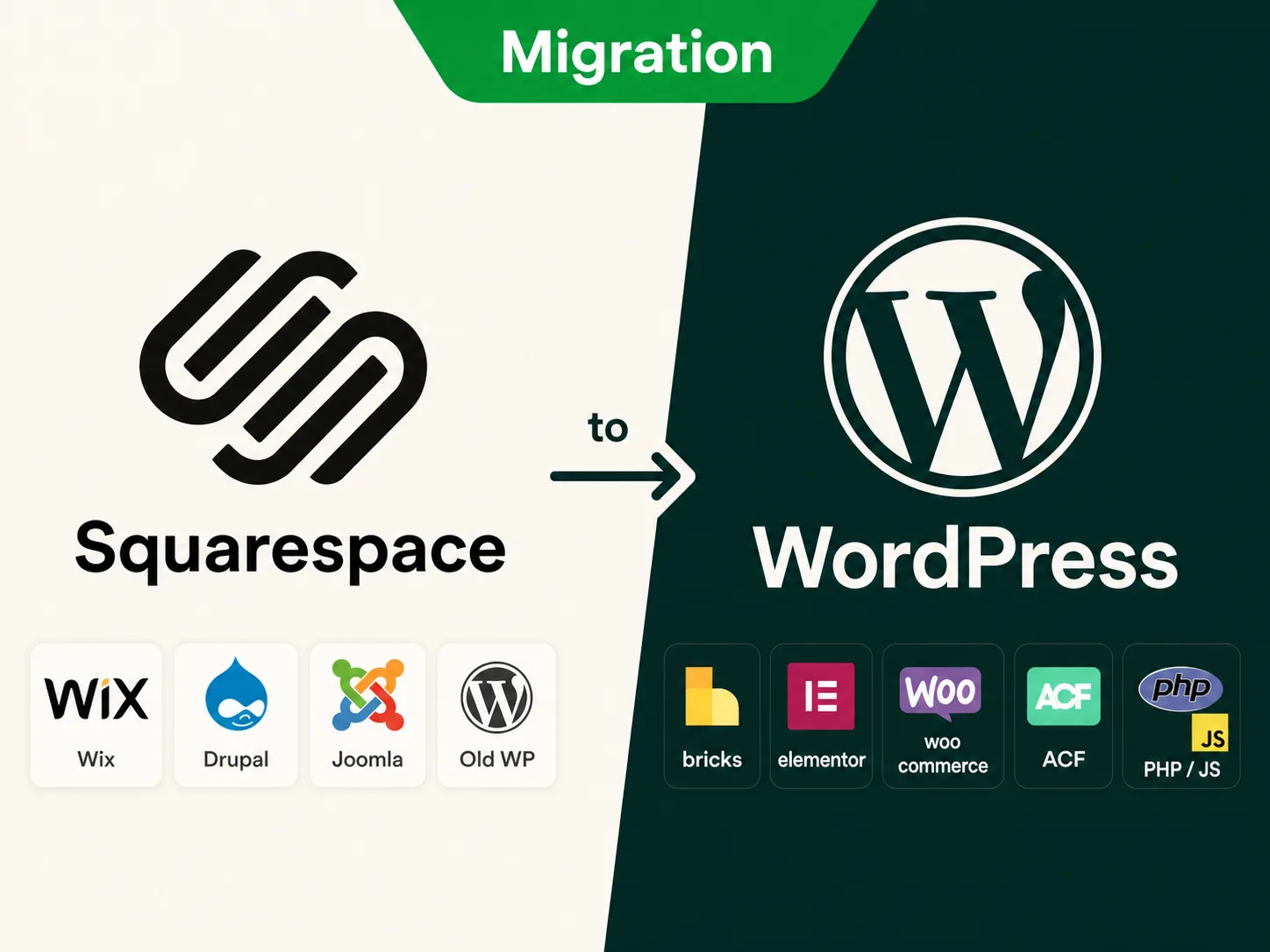
You may have outgrown Squarespace, inherited a platform your team avoids, or need more control without risking SEO. I migrate Squarespace, Wix, Drupal, Joomla, and outdated CMS sites to WordPress, rebuilding the structure so the new site is easier to edit, improve, optimize, and grow.
Yes. I plan redirects, preserve URL structure where possible, and keep metadata and content hierarchy intact so rankings and traffic are protected during the move.
That's the point. I rebuild in a clean, editor-friendly structure (often Bricks Builder) so your team can update content confidently after launch.
Yes. Migration is often the right moment to modernize the design, improve mobile layouts, and clean up old content instead of copying the same problems into WordPress.
Yes. A migration is often the best time to clean up heavy layouts, reduce unnecessary scripts, improve image handling, and rebuild the site with performance in mind.
Yes. I can help with forms, basic tracking, redirects, staging checks, launch QA, and the practical details that usually decide whether a migration feels smooth.
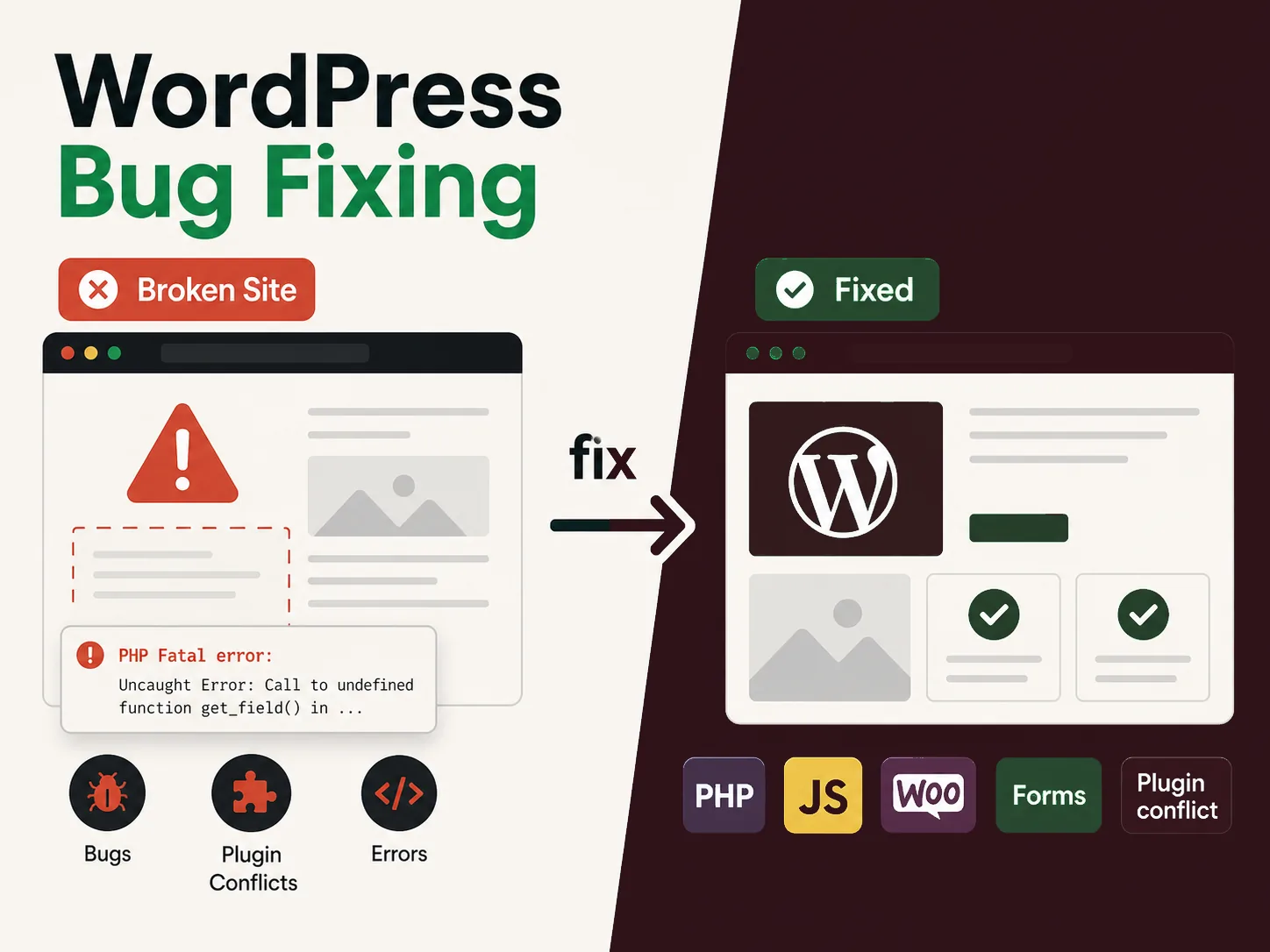
Something is broken, and you need an answer instead of another round of guesses. Send what you are seeing and I will trace the cause, fix it carefully, and explain what changed. I handle WordPress layout breaks, PHP errors, plugin conflicts, WooCommerce bugs, forms, email delivery, and performance regressions.
Yes. Urgent, site-down, and time-sensitive problems get fast response. Send the details and I'll assess and prioritize the fix quickly.
Absolutely. Most fix work is on inherited sites. I diagnose the existing setup carefully before changing anything.
Yes. Checkout errors, payment flow issues, broken product behavior, cart problems, and plugin conflicts are common WooCommerce support cases.
Yes. After the fix, I can summarize what happened, what changed, and what should be watched or improved next so the same issue is less likely to return.
Yes. I can review plugin/theme changes, scripts, images, caching behavior, database overhead, and frontend regressions that often cause a WordPress site to slow down after updates.
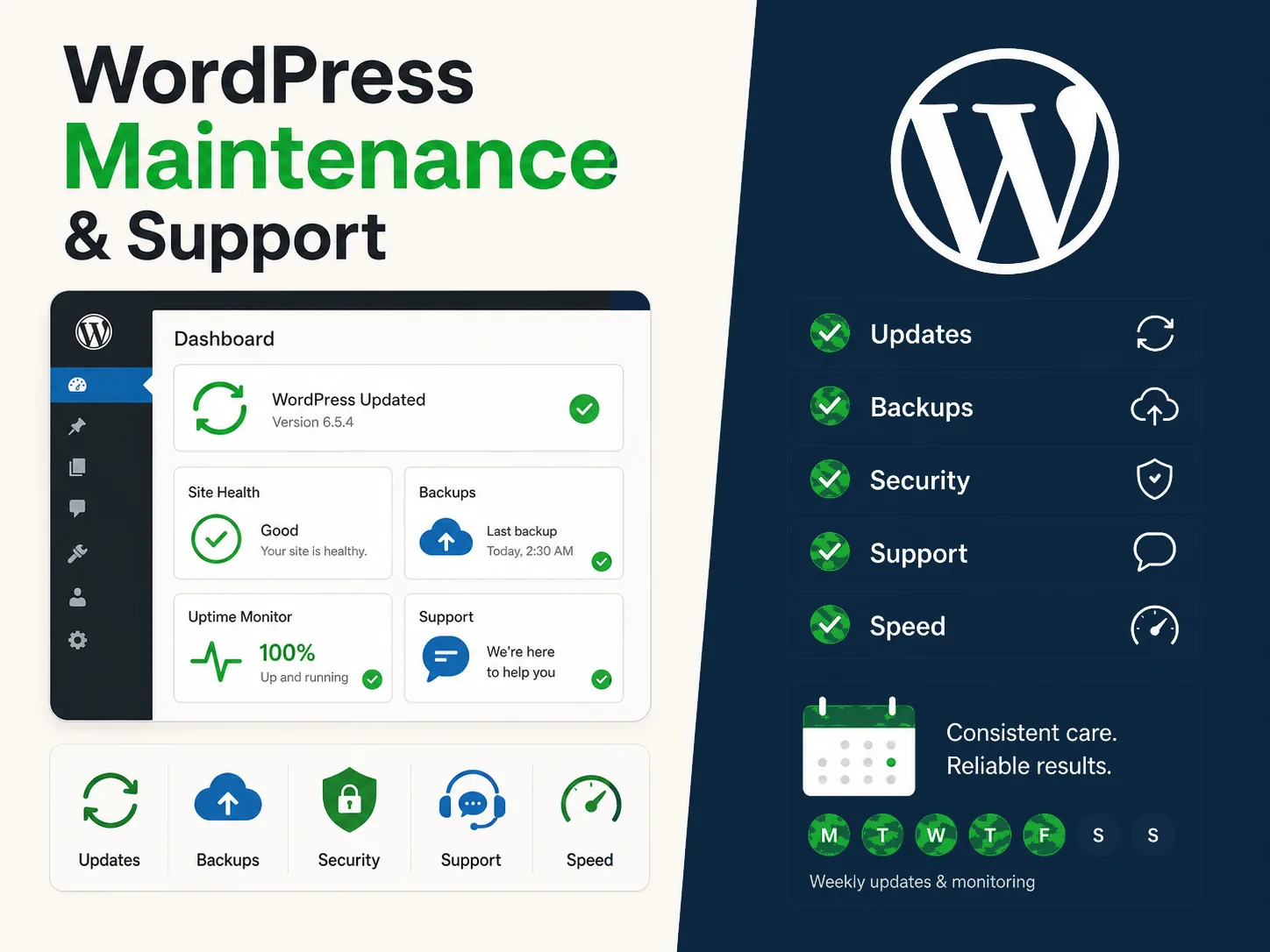
You should not have to remember every update, warning, checkout issue, and small technical problem. I learn the site and become the senior WordPress developer you can contact when something needs attention, from routine maintenance and bug solving to Core Web Vitals cleanup and ongoing improvements.
Usually, yes. You work directly with me, without account managers or markup layers, so more of your budget goes into actual technical work.
Yes. I handle WooCommerce updates, checkout issues, custom logic, and ongoing store maintenance.
Yes. Many support relationships start with one urgent or messy issue, then continue as practical maintenance once the site is stable.
When the site needs it, yes. Risky updates and larger changes can be reviewed on staging first instead of being pushed directly to production.
Yes. Maintenance can include speed checks, image cleanup, caching review, script/plugin review, and practical improvements when performance starts drifting.
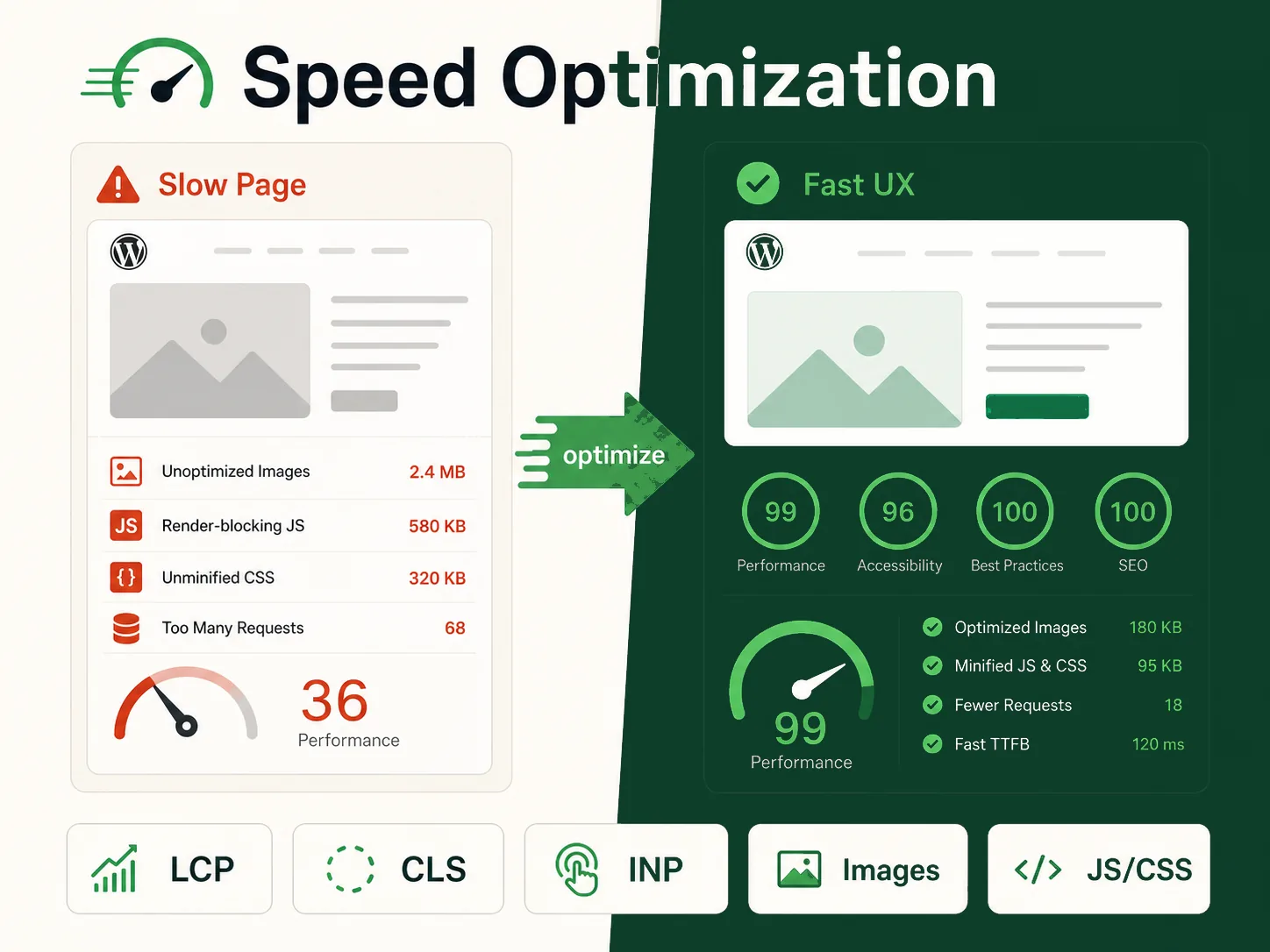
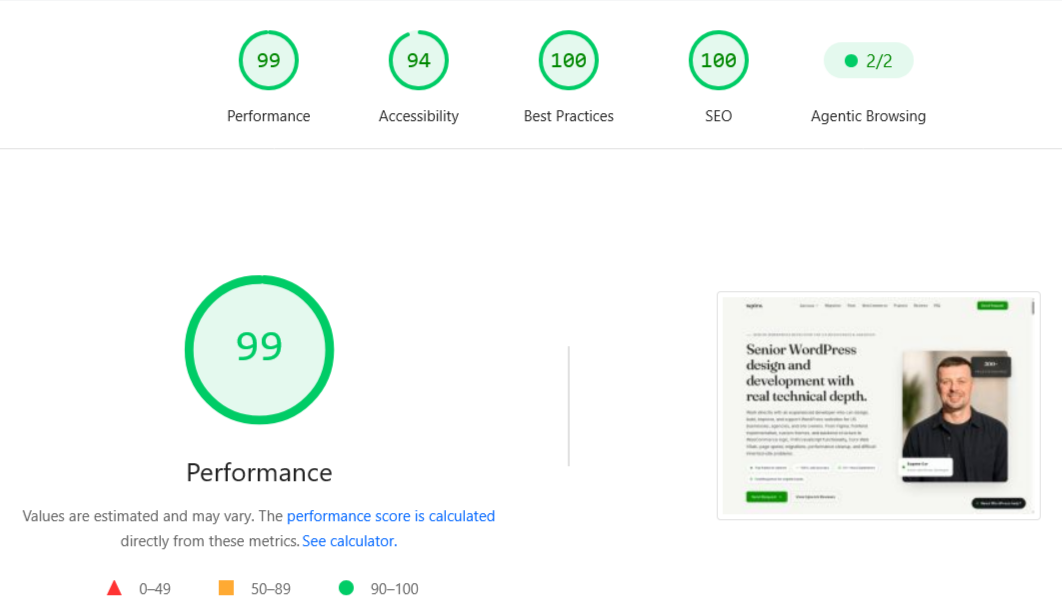
A slow WordPress site is rarely fixed by one plugin or one score. I review what visitors actually load, find the real bottlenecks, and improve Core Web Vitals and mobile speed without breaking the design, checkout, tracking, forms, or editing workflow.
Yes. I review LCP, CLS, INP, mobile loading behavior, render-blocking assets, images, fonts, scripts, and layout stability to find practical improvements.
No. Caching can help, but real speed work often includes asset cleanup, image strategy, template review, plugin/script decisions, database checks, and hosting/CDN coordination.
Yes. WooCommerce performance work can include checkout speed, cart fragments, product archive behavior, heavy plugins, tracking scripts, and frontend bottlenecks that affect buyers.
The goal is to improve performance without damaging layout, tracking, forms, or checkout. I test changes carefully and keep risky optimizations controlled.
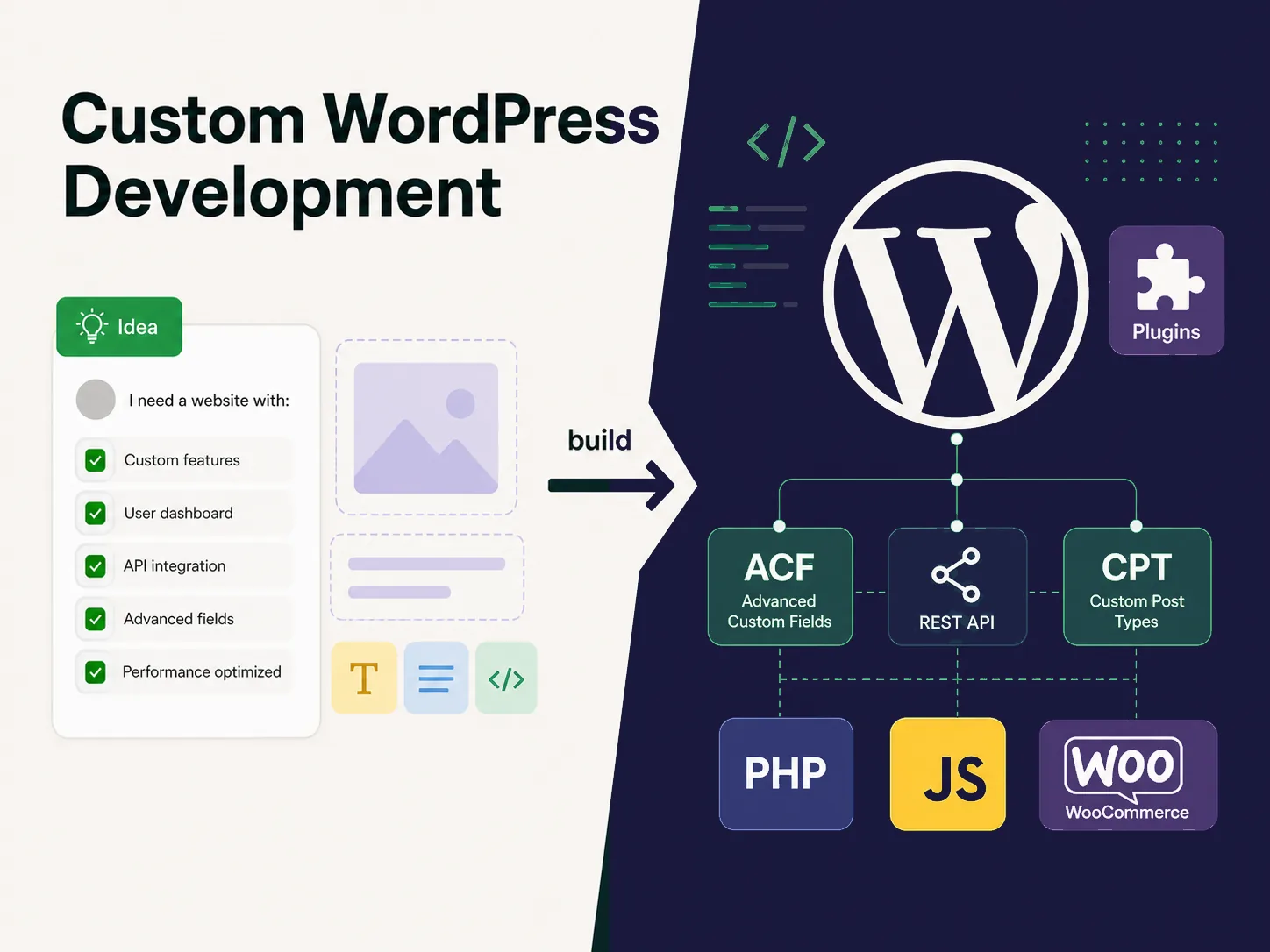
When the site needs more than another plugin, I design and build the right WordPress structure around the business requirement. That can mean Bricks Builder, Elementor, a custom theme, ACF/CPT architecture, PHP or JavaScript functionality, REST APIs, custom plugins, WooCommerce, or a focused extension of the existing site.
I write custom code: PHP, JavaScript, custom plugins, ACF configurations, and REST API integrations. Plugins are chosen deliberately only where they're the right tool.
Yes. I work with Bricks Builder, Elementor, and custom theme builds, depending on what fits the site, team, and long-term maintenance needs.
Yes. I can extend an existing WordPress site with custom post types, dynamic templates, integrations, admin workflows, and custom plugin functionality.
Often, yes. I can improve or extend the current setup when a full rebuild is not necessary, as long as the existing structure is stable enough to build on.
Yes. I think about asset loading, template structure, image handling, plugin weight, and frontend behavior while building, not only after launch.
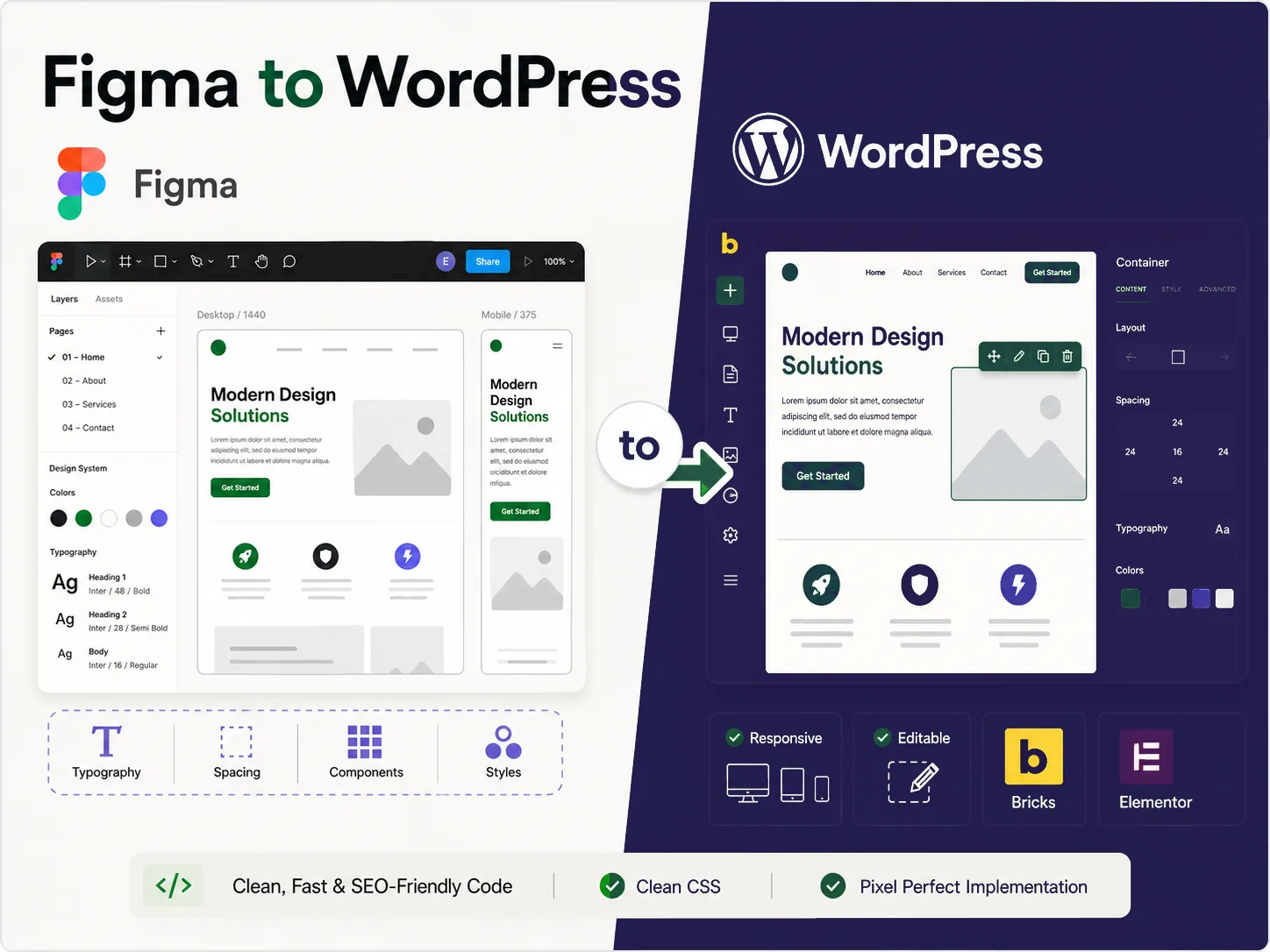
You already have the design. The risk is losing its quality in implementation or ending up with a site nobody can edit. I turn Figma into responsive, editor-friendly WordPress with clean structure, deliberate CSS, and performance considered from the start.
Yes. I build reusable, editor-friendly templates so your team can update content and sections without breaking the design.
Yes. I can implement Figma designs in Bricks, Elementor, or a custom theme while keeping the structure clean and manageable.
Yes. Responsive behavior is part of the implementation, including mobile spacing, typography, button layout, and section behavior.
Yes. I avoid unnecessarily heavy frontend structure, optimize image usage, keep CSS manageable, and build with mobile speed in mind.
Yes. If something in the design will not work well on real screens, I can suggest practical adjustments instead of blindly copying weak layout decisions.
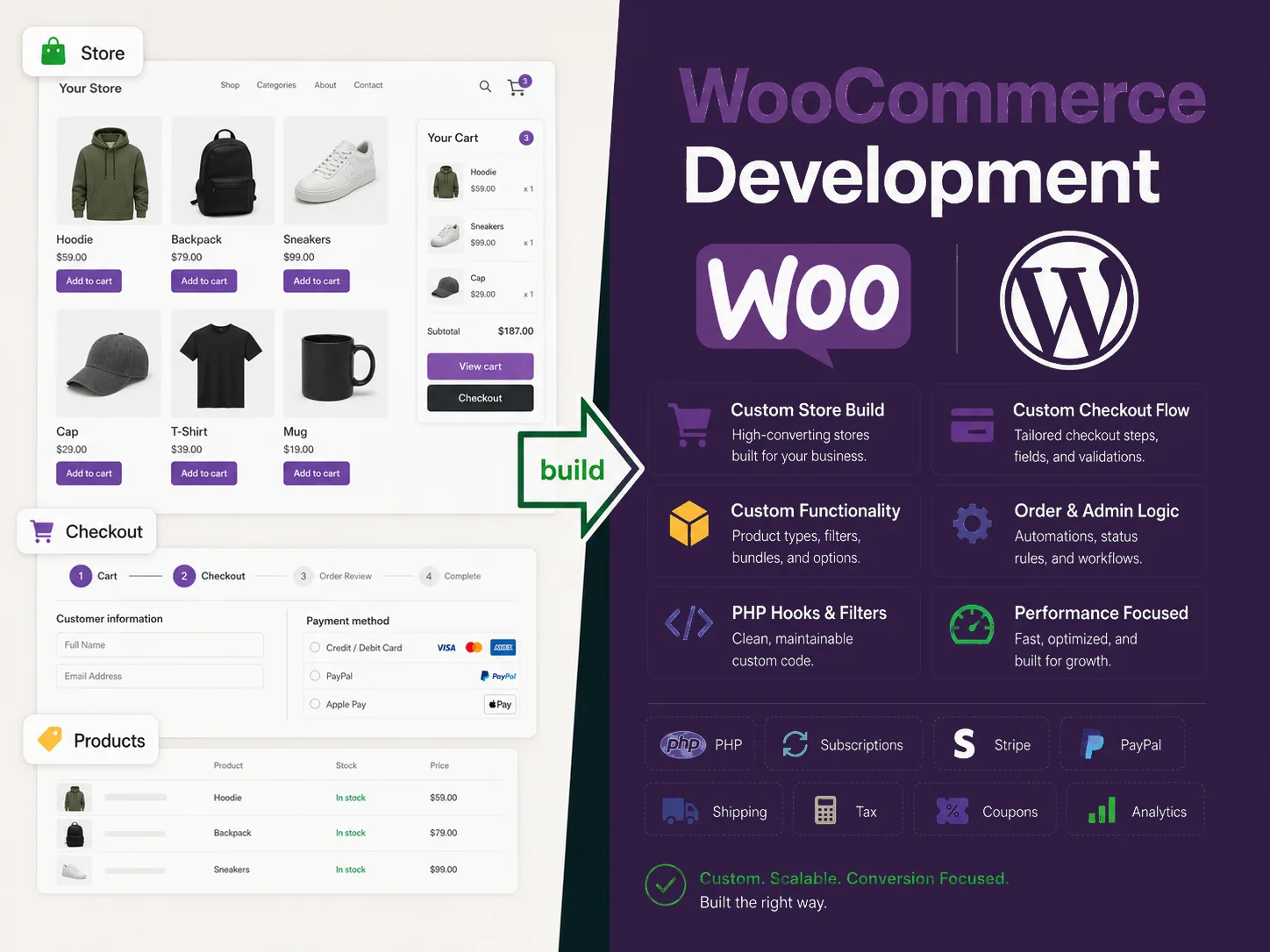
Whether the store is still in Figma, already live, or failing at checkout, I can take ownership of the WordPress and WooCommerce work behind it. That includes new store builds, product and checkout logic, custom PHP, integrations, bug fixing, performance, and ongoing support.
Yes. I can work inside an existing store, review the current plugin setup, and improve the parts that are causing checkout, performance, or maintenance problems.
Yes. I handle custom PHP, hooks, filters, checkout behavior, product logic, and integrations when plugin-only solutions are too limited or fragile.
Yes. I can build a new WooCommerce store with product structure, templates, cart and checkout setup, payment/shipping configuration, and editor-friendly management.
Yes. I can implement Figma designs as WooCommerce product pages, category views, landing pages, cart/checkout improvements, and reusable WordPress templates.
Yes. I can review checkout scripts, payment/shipping behavior, cart fragments, plugin overhead, and frontend bottlenecks that slow down the buying flow.
I'm Eugene. I'm usually brought in when a WordPress site has become difficult to understand, risky to change, or too important to leave to trial and error. I communicate plainly, stay close to the details, and take responsibility for moving the work forward.
I'm a Ukraine-based senior WordPress developer working remotely with US clients who need direct communication, practical decisions, and continuity from the first review through launch and support.
The existing site, constraints, and business goal come before a preferred tool.
You know what is changing, why it matters, and where the risks are.
Not every site needs a rebuild. The right fix is the one that solves the actual problem.
Direct communication continues through implementation, testing, and handoff.
I use AI tools daily to speed up repetitive implementation, diagnostics, research, documentation, QA checklists, and routine tasks. This helps reduce wasted time and project cost. Architecture, debugging, final code decisions, testing, and launch responsibility stay under senior developer control.
Senior review before anything ships.
Built a responsive WordPress site from Figma using Bricks, custom components, and a performance-minded structure.

Created a flexible roofing company template with reusable ACF content and fast page rollout across multiple locations.
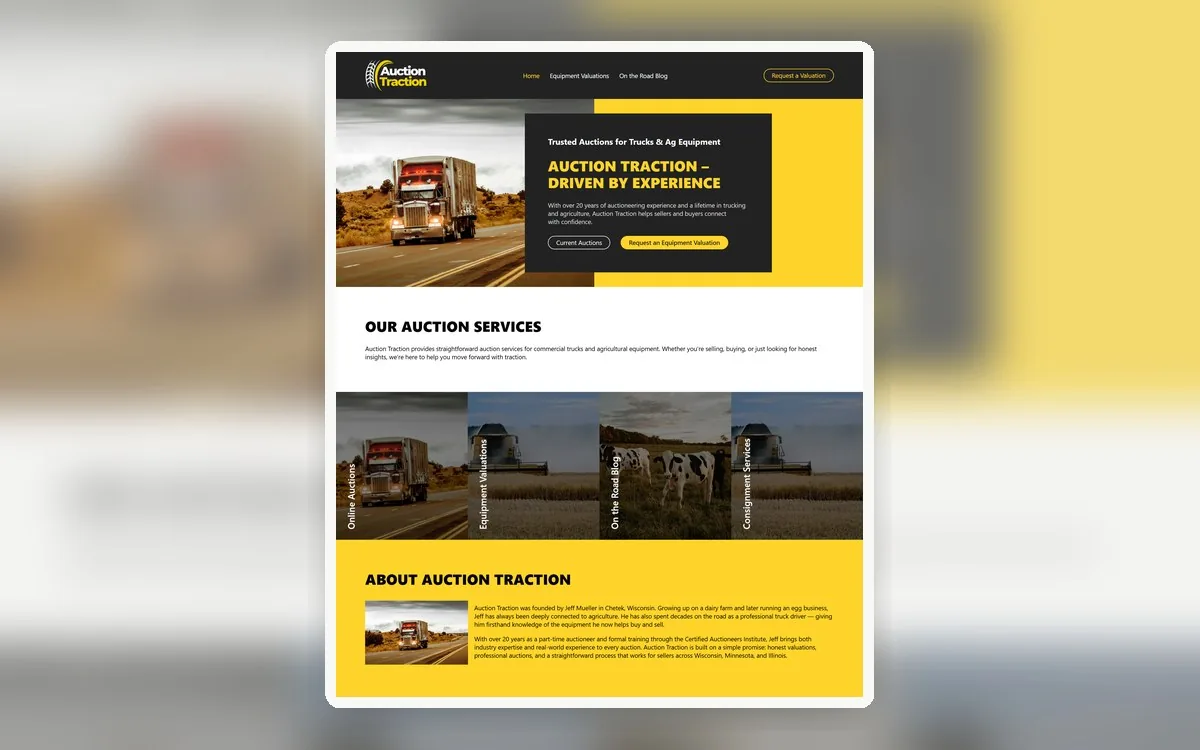
Developed an auction business site with Bricks Builder, Automatic.css, Frames, and responsive service layouts.
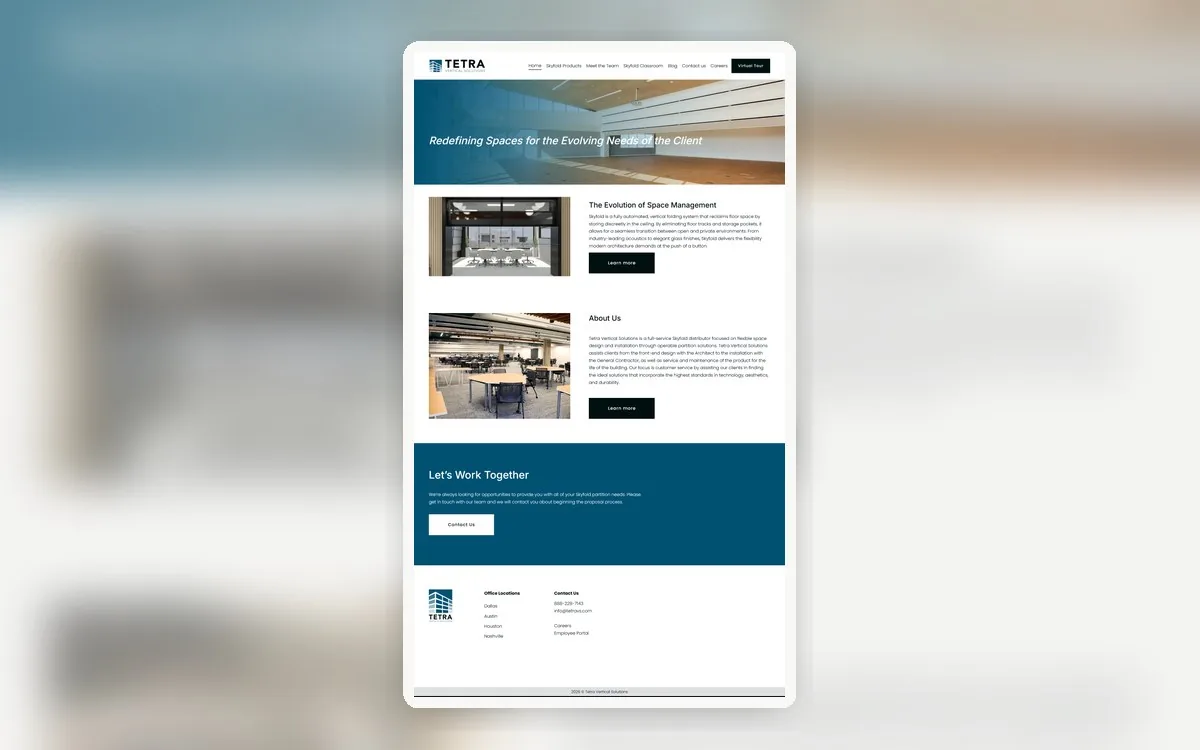
Migrated a Squarespace site to WordPress with Bricks, matching the original design while improving editing control.
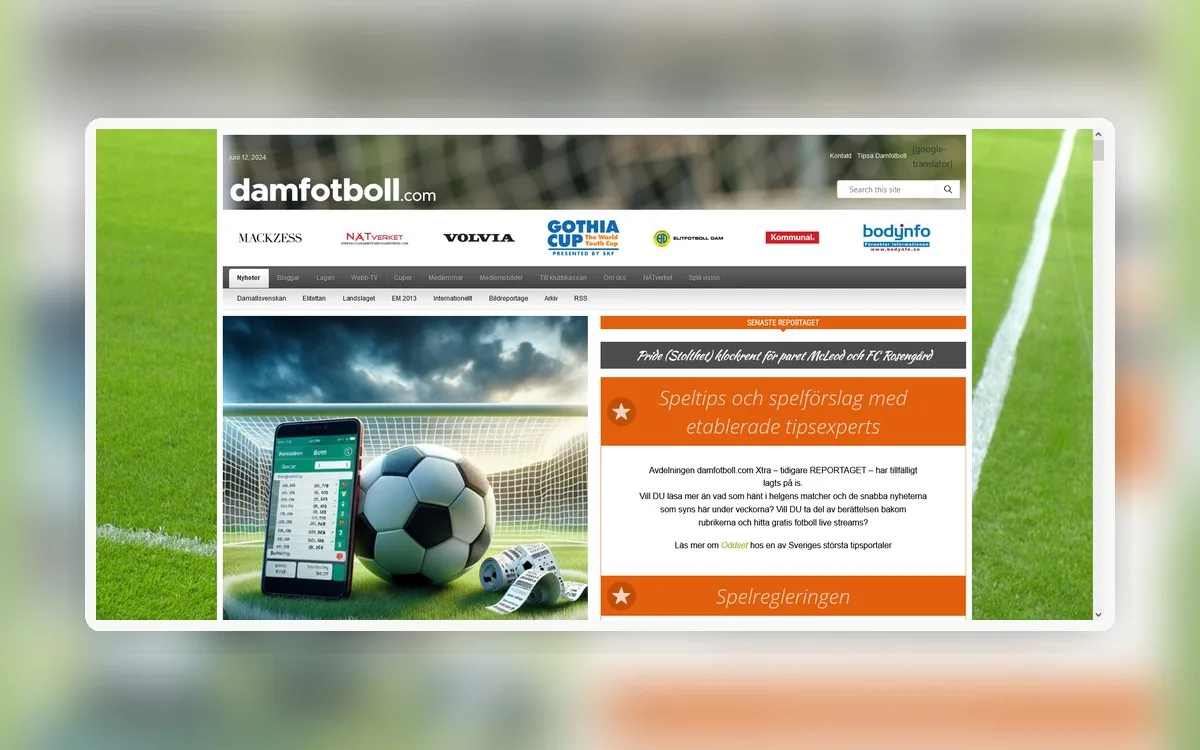
Moved an older Drupal sports site to WordPress, rebuilding content structure and preserving the user-facing experience.
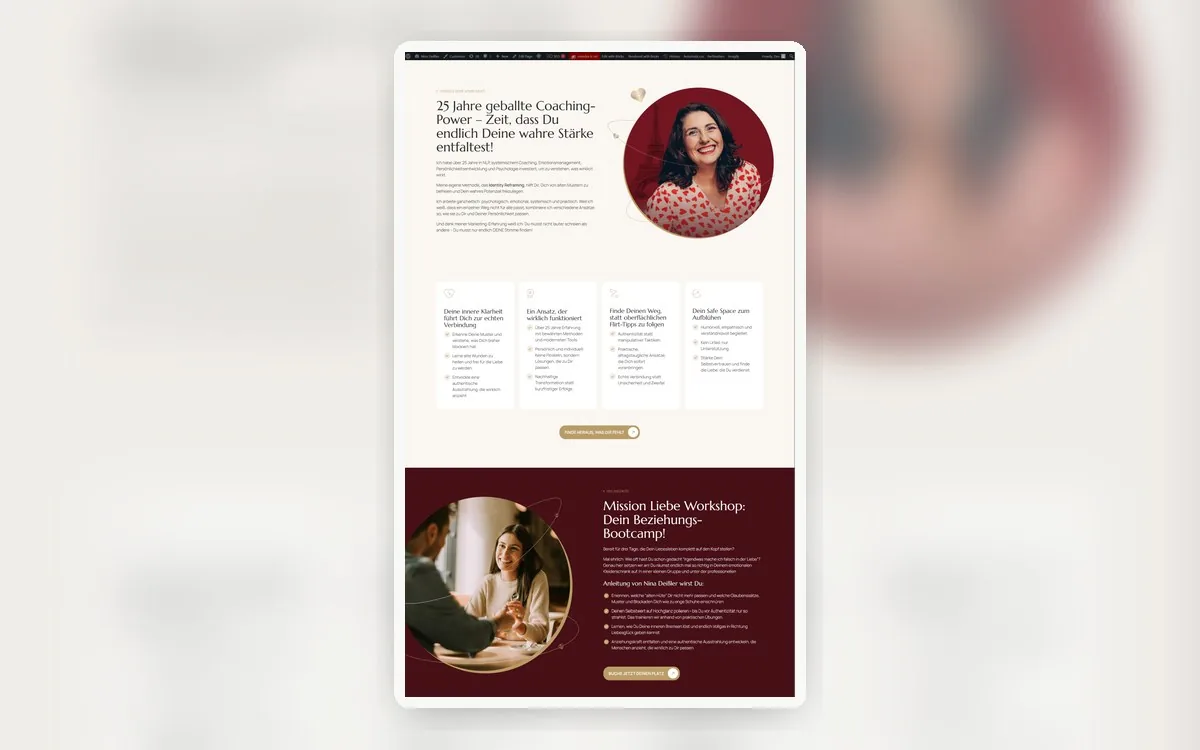
Implemented a finalized Figma landing page in Bricks and ACSS with clean responsive behavior and maintainable CSS.
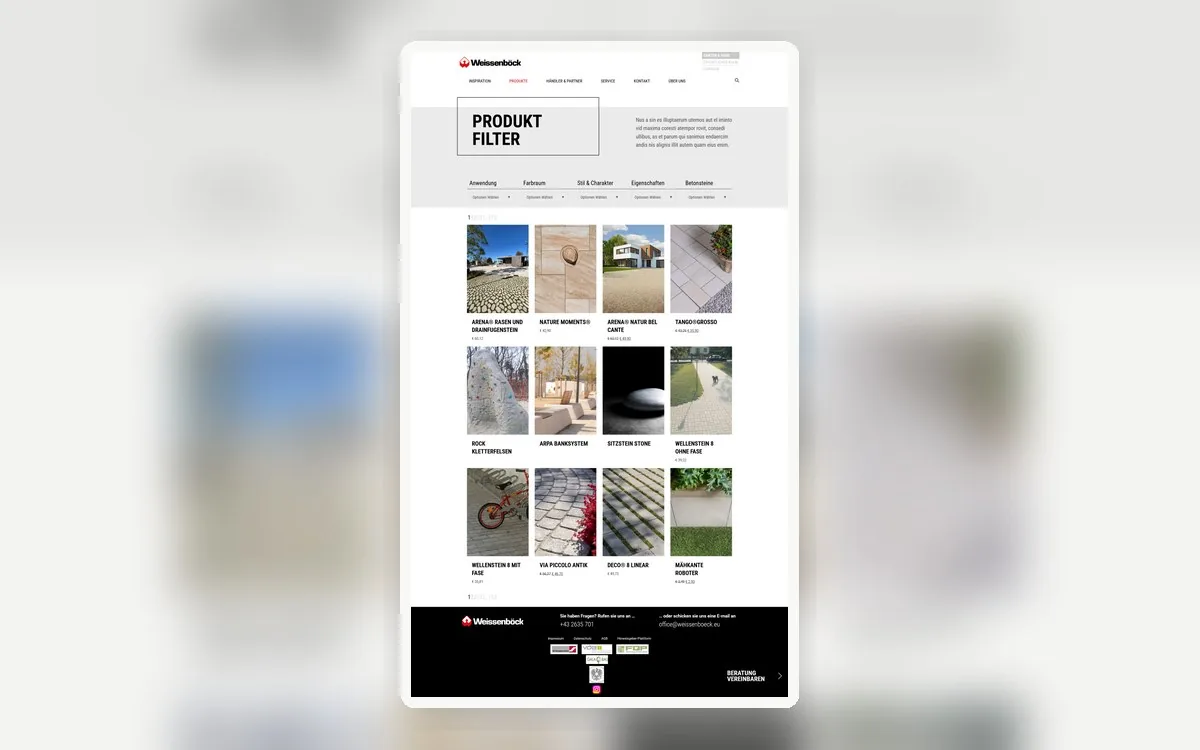
Built a multisite setup for a construction company with product filtering, WooCommerce Store structure, and Elementor templates.
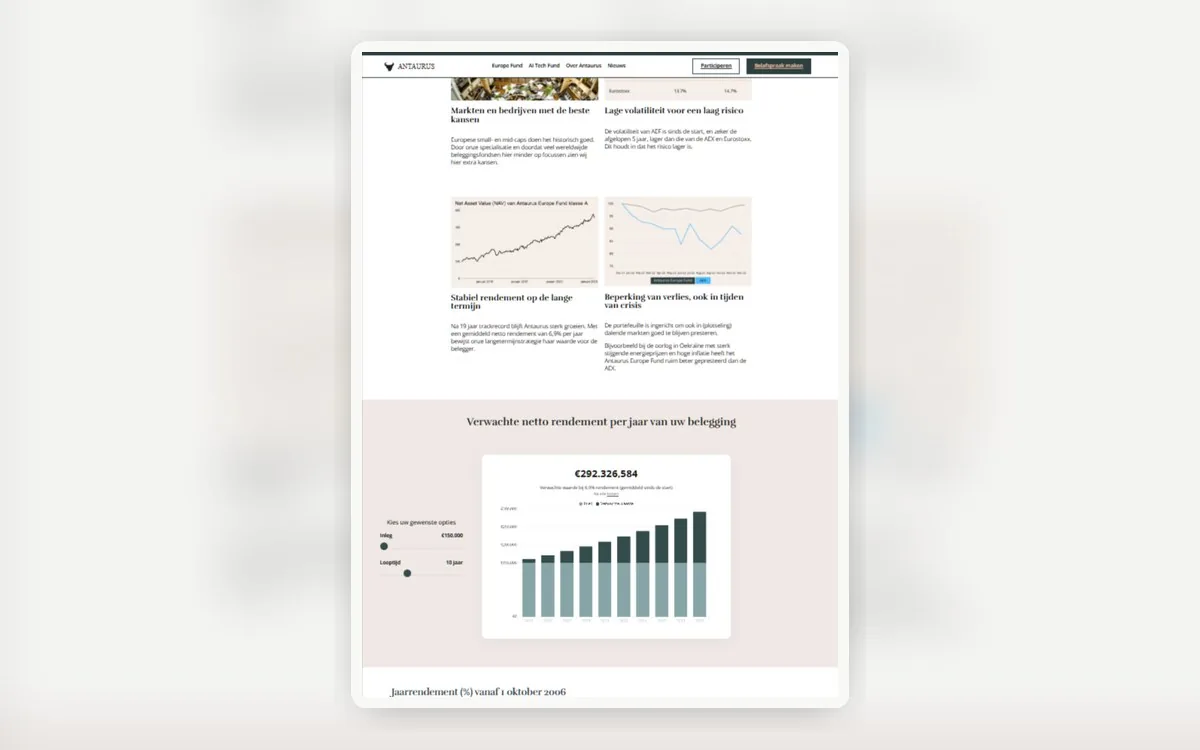
Designed and developed an Elementor landing page with an interactive chart, responsive sections, and conversion-focused layout.

Developed a custom WooCommerce Store flow with AI-generated product data, multi-step checkout behavior, and responsive UX.

Fixed multilingual WooCommerce Store issues around API synchronization, product data, taxes, checkout behavior, and stability.
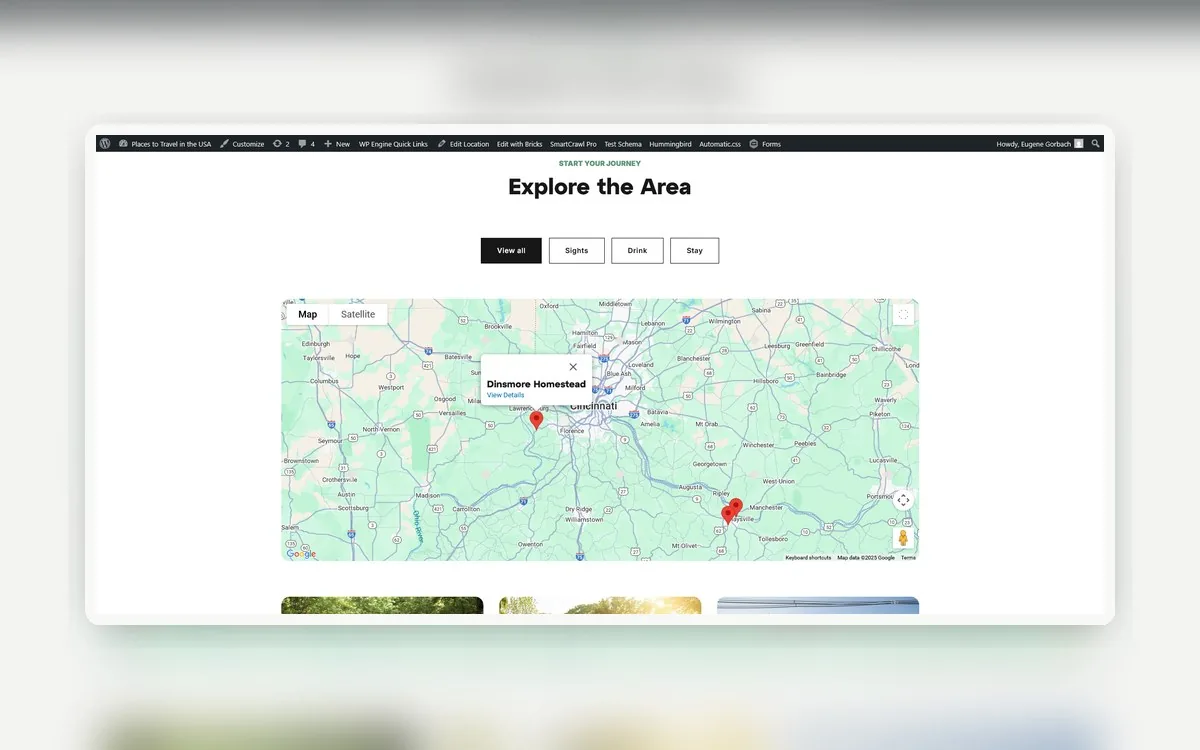
Built a Google Sheets to WordPress integration that creates ACF-powered listings and map content through the Google API.
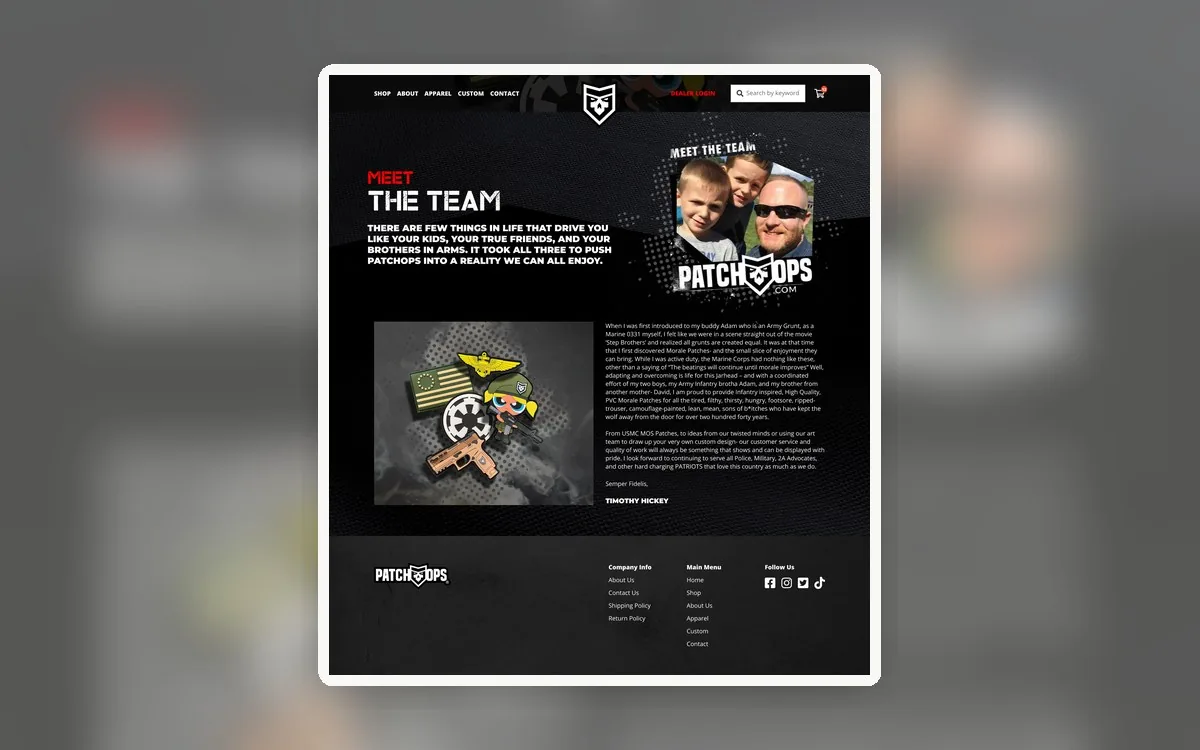
Developed a WooCommerce Store from Figma using Elementor, custom templates, responsive sections, and ecommerce structure.
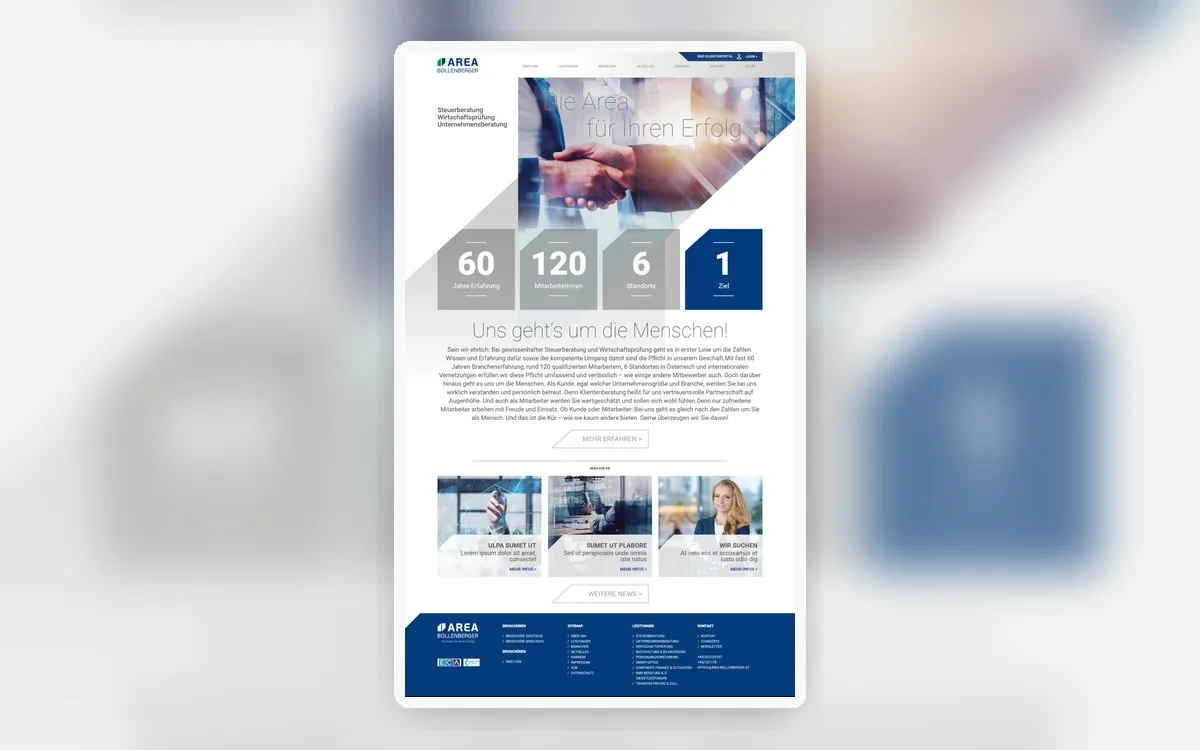
Converted an InDesign-based design into a responsive WordPress site with Bricks Builder, clean sections, and custom frontend work.
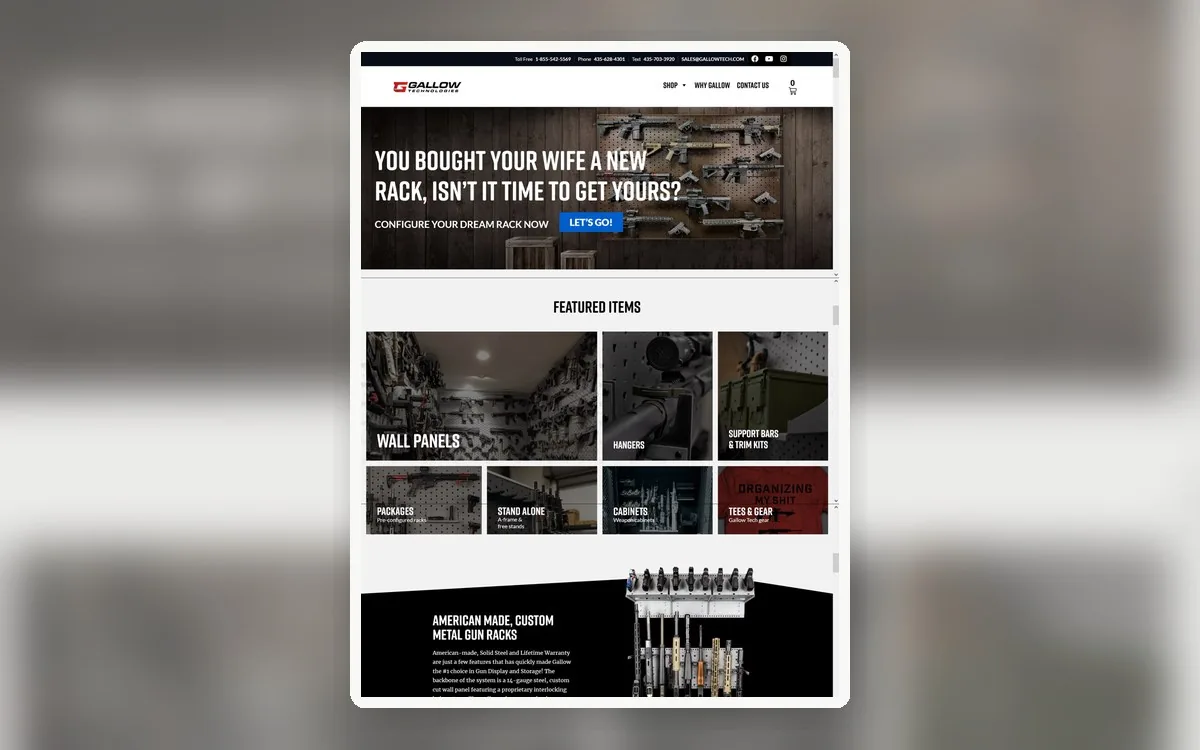
Created a WooCommerce Store for a US ecommerce business with Elementor templates, cart behavior, checkout flow, and custom store pages.

Built a WordPress website from Photoshop design files using Bricks Builder, with responsive layouts and custom frontend details.
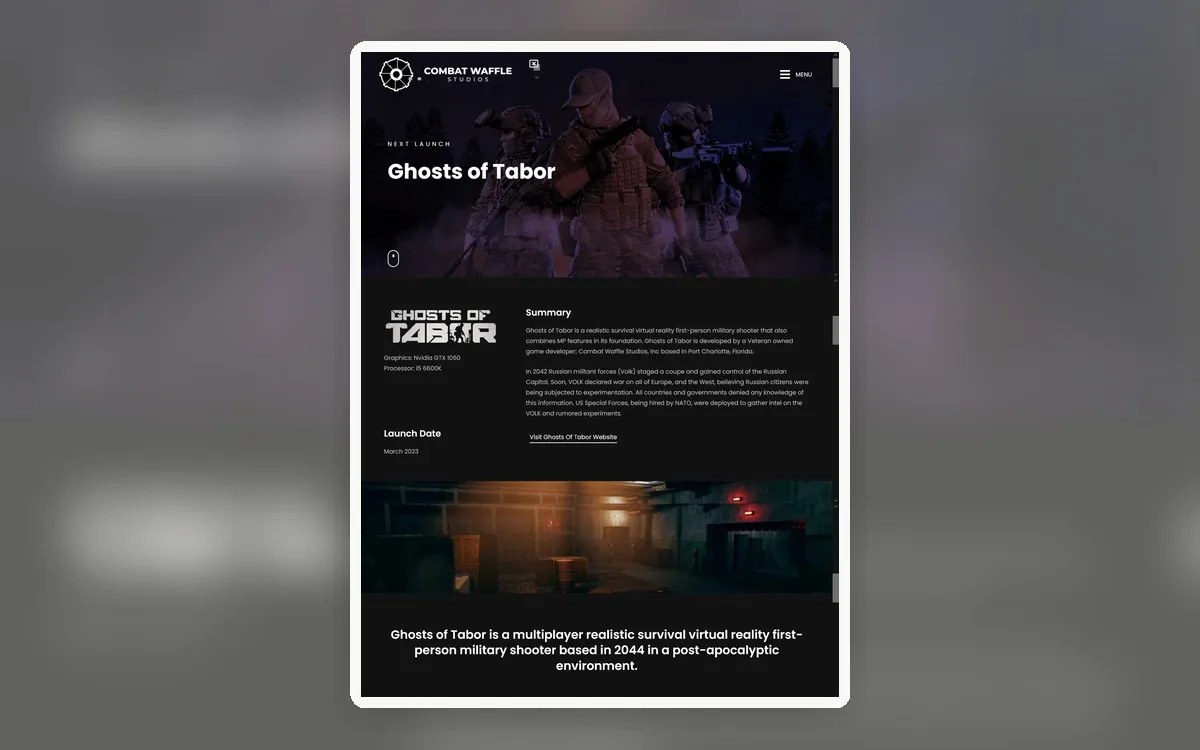
Built an animated WordPress and Elementor site for a US game development company with custom frontend interactions.
Yes. A large share of my work is on inherited sites. I carefully review the existing setup, understand how it was built, and make changes without adding more mess.
Yes. I plan redirects, preserve URL structure where possible, and keep metadata and content hierarchy intact so search rankings and traffic are protected through the migration.
I write custom code: PHP, JavaScript, custom plugins, ACF, and REST API integrations. Plugins are used deliberately, only where they're genuinely the right tool.
Yes. Site-down and time-sensitive problems get fast response. Send the details and I'll assess and prioritize the fix quickly.
Yes. I regularly work with US businesses and agencies, with scheduled calls, async updates, and direct billing or Upwork hiring depending on your process.
Typically yes. You work directly with me, without account managers or markup layers, so more of your budget goes into real technical work.
Yes. I build clean, editor-friendly structures and reusable templates so your team can update content confidently.
Yes. I handle WooCommerce development, custom logic, checkout issues, and ongoing store support.
Yes. I handle Core Web Vitals review, PageSpeed cleanup, image optimization, frontend asset cleanup, caching/CDN review, and WooCommerce performance improvements.
Both. You can hire through Upwork or work directly with a standard invoice, whichever fits your process. Invoices are available.
Absolutely. A short call is often the fastest way to review your site and agree on the practical next step. Request a call from the contact section.
You do not need a technical diagnosis or finished brief. Send what you know and I'll help turn it into a clear next step.
I'll review the context personally and reply with a practical next step.
Share the site or problem. A rough description is enough.